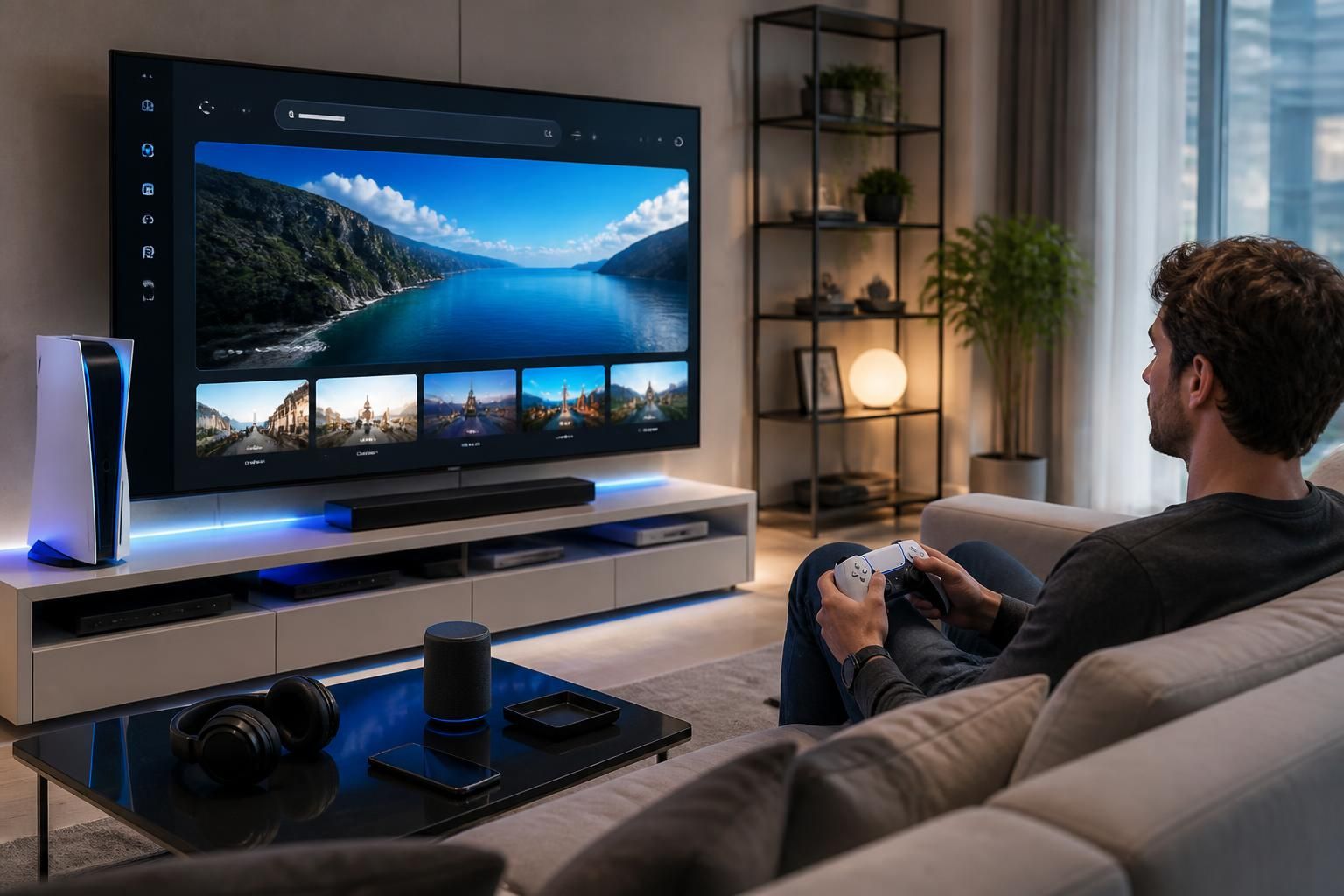
There is something quite surprising about seeing a PS5 open a door to the web. Not to replace a computer, of course, but to troubleshoot, look for a solution, verify information, or start a video without leaving the living room. In 2025, console browsing remains discreet, a little hidden, but very real, with simple tricks that turn a machine designed for gaming into a small everyday multimedia hub. And frankly, when everything is well set up, the experience can become much smoother than one might imagine.
Article in brief
The PS5 allows access to the Internet through detours, with some useful settings to keep browsing efficient. This guide helps understand where the web hides on the console, how to stabilize the connection, and which tricks save time.
- Discreet web access: the browser opens via hidden internal links
- More stable connection: LAN cable significantly improves smoothness
- More comfortable navigation: USB keyboard and links sent via messages
- Limits to know: simple use, priority security, and reduced functions
A good configuration is enough to transform the PS5 into a practical and surprisingly useful backup web solution.
To be completely transparent, the PS5 was not designed as a console for intensive surfing. Sony prioritized gaming, stability, and security, which explains the absence of a visible browser icon in the main interface. Yet, behind this very gaming-oriented facade, a WebKit engine is indeed present, ready to open via indirect routes. It’s a bit like a trick you almost discover by chance, like a drawer you never open that actually hides the most useful things.
The most interesting thing is that this browsing is not a useless gadget. It is helpful for consulting light websites, sending a quick search, or opening a web page in a few seconds. And let’s be honest between us, when you’re already comfortably settled in front of the console, the idea of avoiding taking out your phone or computer again is frankly appealing.
Accessing the Internet on PS5 thanks to the hidden browser
The most reliable method goes through the console’s integrated messages. You just have to open the game center, go to messaging, then display a complete link to a site there, for example, a classic search address. Once the link is clicked, the PS5 launches its internal web page, as if it opened a secret passage to the Internet. It’s simple, fairly quick, and especially handy for occasional use.
Another entry point also exists through certain services linked to the PlayStation account or X/Twitter, when an external link is triggered from the interface. The rendering remains modest, but for an immediate need, the result does the job. At that precise moment, you understand that the console is not limited to its visible menus: it hides a real browsing function, discreet but very real.
The most useful paths to open a web page
To avoid wasting time, it’s better to remember the accesses that work most often. The simplest scenario remains that of a link sent in messages, because it requires few manipulations. Other options exist through certain service menus, but they are often less intuitive and a bit less direct.
Here are the most practical entry points for everyday use:
- Console messages: the most direct method to open a site
- Links from X/Twitter: useful when an external link appears in the app
- PlayStation Store pages: some redirects trigger the hidden browser
- Accessibility or help menus: rarer access, but sometimes effective
This logic of indirect access may seem a bit twisted at first glance, but it precisely avoids multiplying superfluous tools. And for a console designed above all as a gaming machine, it remains an elegant, almost stealthy solution.
Network settings and navigation efficiency on the console
Without a solid connection, even the best trick quickly loses its appeal. On PS5, the choice between Wi-Fi and Ethernet cable really changes the usage feel. Wi-Fi offers flexibility, but the LAN cable brings noticeably better stability, especially when you want to load a page without micro-interruptions. For a console used as an occasional web access point, this difference is felt very quickly.
In a family home, for example, it only takes a tablet, a smart TV, or several apps consuming bandwidth for browsing to slow down. The cable limits this kind of small frustrations. And as often, the simplest solution is also the most effective.
Wi-Fi or LAN cable: what really changes
Wi-Fi works very well if the PS5 is far from the box. However, as soon as you need to consult multiple pages or avoid somewhat twitchy loading times, the Ethernet cable becomes the best ally. It improves the console’s responsiveness and reduces hiccups, which matters a lot in browsing already less smooth than on a computer.
| Connection method | Usage comfort | Stability | Recommended use |
|---|---|---|---|
| Wi-Fi | Practical and flexible | Medium | Occasional browsing without installation |
| LAN cable | More consistent | High | Web pages, light videos, regular use |
At the core, the whole issue is this: choose the connection that really serves efficiency, instead of relying only on apparent comfort. A well-connected console is already halfway there.
Practical tips for more comfortable browsing
The PS5 browser is not designed for extensive web exploration. It remains limited, with ergonomics closer to gaming than intensive reading. So, to gain comfort, a few habits really make the difference. The first is to connect a USB keyboard: typing becomes immediately less tedious, especially when you have to enter a long address or correct a tiny but annoying typo.
The second is to avoid sleep mode during the session. An open page can close or reset, forcing you to start over. And then, might as well make life easier by sending favorite links in messages, instead of retyping the same address every time. Browsing then becomes much smoother, almost relaxed.
The small gestures that change everything daily
Some uses seem trivial, but they really improve session stability. Mobile-optimized sites often display better, heavy pages slow down quickly, and light content remains the most pleasant to consult. It’s a bit like preparing a simple picnic rather than a complicated buffet: going straight to the essentials, and everything goes better.
The following list sums up the most useful adjustments:
- Plug in a USB keyboard: faster and much less tiring typing
- Keep the console active: avoid losing the session when in sleep mode
- Favor light sites: clearer reading and faster loading
- Share your links via message: immediate access to frequently visited pages
- Limit video waiting times: streaming remains irregular on this interface
These gestures don’t turn the PS5 into a computer, but they make it decidedly more pleasant to use for simple needs. And that’s often all you ask of it.
What the PS5 allows, and what it does not on the web
The Sony console supports basic browsing, but not a full experience like a classic browser. Impossible to install Chrome or Firefox, and advanced functions remain absent. No real extension management, no proper private browsing, and very limited customization options. In short, the PS5 is there to help out, not replace a dedicated device.
This approach makes sense. It better protects the system, limits certain vulnerabilities, and maintains a consistent experience with the console’s identity. In 2026, this logic remains perfectly clear: the PS5 is first for gaming, then to extend use with some online services, without scattering.
Why Sony keeps this tight control
The decision to restrict full web access is no accident. An overly open browser could become a gateway for risky uses or even technical hijacking. By keeping this access in the background, Sony maintains a good balance between flexibility and protection.
This philosophy may annoy total freedom enthusiasts, but it reassures the majority of players. And for a family or shared machine, caution is clearly beneficial. To go further on the idea of letting go under the pressure of perfectionism, a detour by this perspective on parental letting go reminds us that a tool does not need to be perfect to be useful.
In real life, the PS5 on the Internet looks a bit like a well-thought-out plan B: not glamorous, not unlimited, but deadly practical when you need to go fast. Between two game sessions, for a quick search or an emergency service consultation, it provides a real service. And sometimes, that is exactly what you expect from a good digital solution: for it to be there, simply, when you need it.
Does the PS5 have a visible Internet browser in the menus?
No, the PS5 does not offer a directly accessible browser icon. The web is present in the background and opens via internal links or certain applications.
What is the easiest method to access the Internet on PS5?
Access via integrated messages remains the simplest. A web link sent in a conversation often allows quick opening of the hidden browser.
How to improve browsing speed on the console?
A wired connection via LAN cable offers more stability than Wi-Fi. A USB keyboard also helps to enter addresses faster and gain comfort.
Can Chrome or Firefox be installed on the PS5?
No, the console does not allow installation of third-party browsers. Web use remains limited to the function integrated by Sony.
Is browsing on PS5 suitable for online video?
Not really. Light pages work better, but streaming video remains often irregular and less comfortable than on smartphones, tablets, or computers.