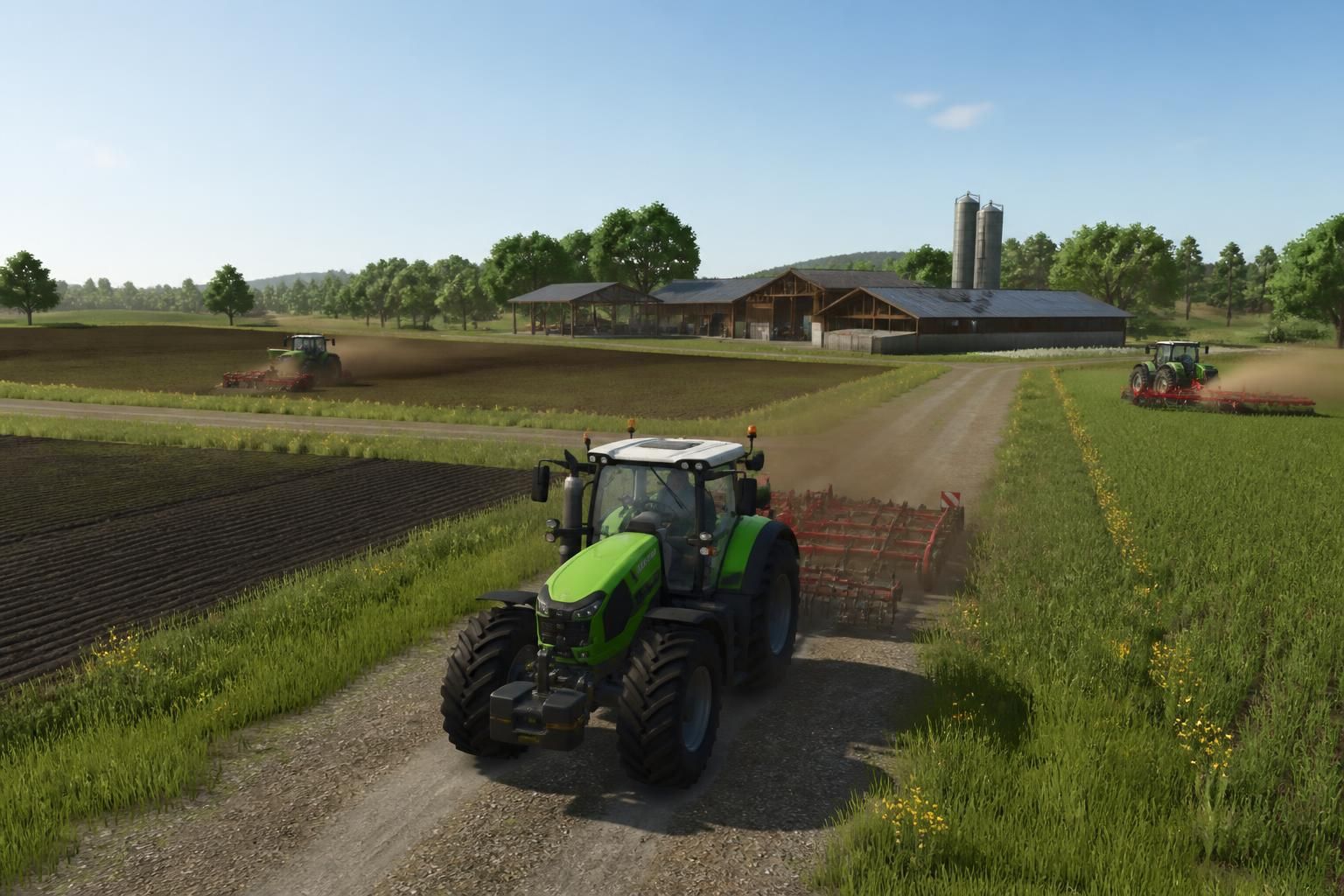
In Farming Simulator 25, the long lanes between fields, silo, and farm can quickly eat away at the gaming fun. This is precisely where FS25 Autodrive changes the game: this automation mod promises smoother, less repetitive routes and an almost surprisingly comfortable management of farming. All of this without turning the simulation into a cold machine. To be completely transparent, it’s the kind of tool that makes you smile as soon as you realize how much it simplifies daily life.
The article in brief
FS25 Autodrive attracts players who want to save time without breaking the spirit of Farming Simulator 25. This complete guide highlights how it works, its smartest uses, and settings that really make a difference.
- Route automation: reduces repetitive back-and-forth on the map
- Gradual learning: installation, routing, and uses clearly explained
- Comfort gain: helps manage farming tasks more peacefully
- Enhanced experience: keeps the simulation spirit while smoothing gameplay
A useful reference to turn your movements into a strategic advantage in FS25.
There is something almost soothing about the idea of letting part of the work do itself. In Farming Simulator 25, Autodrive answers this very concrete desire: to spend less time driving in circles and more time running the farm. The mod targets both players who like to optimize every minute and those who just want to take a breather without losing the magic of video gaming.
And honestly, this is where the topic gets interesting. Because between harvesting, filling trailers, transporting to selling points, and sometimes a few capricious detours on the map, repetition can quickly become a burden. FS25 Autodrive offers an elegant solution: organizing routes, securing paths, and making automation more natural, almost as if the farm finally found its own rhythm.
FS25 Autodrive in Farming Simulator 25: what this mod is really for
The principle is simple but remarkably effective. FS25 Autodrive allows recording routes, then entrusting a vehicle with recurring trips between several points on the map. In short, instead of constantly piloting the same machines on the same routes, the player prepares roads and lets the system manage part of the transport.
In a well-established farm, this logic quickly becomes valuable. A virtual farmer who must deliver production to the silo, return an empty tractor to the shed, or line up several vehicles on a logistics chain gains clear comfort. The mod does not erase strategy; it enhances it by freeing up time for decisions that really matter.
What automation changes in the game’s pace
The mod’s strength is not only in speed. It mainly lies in reducing mental load. When the most repetitive routes are taken care of, the game becomes more readable, smoother, and often more enjoyable during long sessions.
A concrete example: on a large map, one player can start harvesting a field while another vehicle follows a set circuit to supply the silo. This little ballet gives a real feeling of a living farm. And, let’s be honest, seeing the farm run smoothly without getting the wheels tangled is very satisfying.
Installing Autodrive on FS25 without complications
Like many useful mods, Autodrive becomes really pleasant when the installation is clean from the start. The most important thing remains to check compatibility with Farming Simulator 25, then follow a simple logic: place the file in the right spot, activate the mod in the game, and verify that the necessary extensions work together.
This step may seem technical at first glance, but it often goes smoother than expected. The good practice is to start with a known map, a single vehicle, and a short route. This quick test avoids surprises and allows you to immediately understand if the mod is properly recognized by the game.
Checks to do before starting your first route
The classic trap is to go too fast. It’s better to check control settings, the mod’s presence in the menu, and the absence of conflicts with other modified content. A small misconfiguration can prevent a vehicle from correctly following its circuit, while a simple adjustment sometimes unlocks everything.
In practice, this phase resembles a bike tune-up before a nice forest ride: once everything is set, the rest flows on its own. And this is precisely what makes this complete guide interesting for players who like to go straight to the point.
Creating efficient routes with Autodrive for farming in FS25
The system’s core relies on route quality. A good road network is not just for going from point A to point B; it structures the entire organization of farming in FS25. The better planned the waypoints, the smoother the vehicles run without blockages, even on complex maps.
The smartest approach is to build coherent routes: farm, field, silo, workshop, selling point. Each connection meets a specific need, and it’s this logic that turns a series of trips into a true work chain. The mod then takes on an almost logistical dimension, very satisfying for players who like to optimize.
A simple method to avoid unnecessary detours
Before multiplying routes, it’s better to start with the most useful axes. A main circuit for trailers, a short connection to storage, then a few secondary branches already cover a large part of the needs. This approach avoids overloaded maps and unpredictable behaviors.
Here is a practical list to structure an effective starting base:
- Connect the farm to the silo to centralize harvests quickly
- Create a return point for empty or waiting vehicles
- Mark field accesses to ease entry and exit
- Plan a backup route in case of obstacles or detours
Deep down, a good Autodrive network doesn’t seek complexity: it seeks clarity. And this clarity changes everything over time.
| Use in FS25 | Main benefit | Effect on the player |
|---|---|---|
| Transport to the silo | Automates regular back-and-forth trips | Less time wasted on the same routes |
| Fleet management | Coordinates multiple vehicles on a map | Smoother farm organization |
| Field supply | Makes deliveries more regular | Fewer interruptions during farming work |
| Return to shed | Brings machines back to a precise location | Cleaner and more comfortable farm operation |
Using the Autodrive mod well to keep an enjoyable simulation
A good mod is not just one that saves time. It’s also one that respects the spirit of the game. In Farming Simulator 25, Autodrive works all the better as it accompanies the game without distorting it. The idea is not to erase all human intervention but to delegate what is repetitive to keep the pleasure of more varied tasks.
This nuance is very important. If everything is automated without perspective, the session quickly loses its flavor. On the other hand, if the mod is used as a discreet assistant, it becomes a true ally. You steer the key moments, delegate secondary trips, and the whole gains flexibility. At this precise moment, you understand that comfort can very well coexist with the demand of simulation.
Common mistakes to avoid when starting out
The first mistake is wanting to cover the whole map in one go. This often creates routes that are too heavy, hard to correct, and sometimes hard to read. The second, more subtle mistake, is ignoring terrain particularities: tight turns, obstacles, narrow accesses, tricky crossings.
Another point deserves attention: the coherence of vehicles. Some machines behave better on specific routes than others, depending on their size or use. The player thus benefits from testing, adjusting, then refining. And as often in simulation, patience becomes the best tool.
Why FS25 Autodrive appeals so much to simulation players
If this mod attracts so much, it’s because it meets a very simple need: lightening without over-simplifying. Simulation players generally like to understand, adjust, master. Autodrive respects this logic while removing some of the mechanical gestures that eventually get tiresome.
The result often produces a smoother, almost more breathable experience. We stay in a credible agricultural world, with its machines, flows, and seasons, but avoid fatigue from repetitive kilometers. And then, frankly, there is a small very human pleasure in seeing a well-thought-out organization run like clockwork.
The right balance between autonomy and joy of playing
What makes the difference is balance. A player who automates everything without reflection risks drifting away from the experience. Conversely, one who uses the mod with moderation enjoys real comfort without losing the satisfaction of a job well done.
In this sense, FS25 Autodrive resembles those tools we first adopt to simplify a task, then never leave because they discreetly improve the whole organization. Like a well-kept list notebook: it’s not spectacular, but what a relief daily.
Does FS25 Autodrive work on all maps?
The mod can be used on many Farming Simulator 25 maps, but the result depends on road quality, access, and each terrain’s configuration. A well-structured map always facilitates route automation.
Does Autodrive completely replace manual driving?
No, and that’s actually its purpose. The mod takes care of repetitive trips, but the player keeps control over strategy, settings, and key moments of farm management.
Does it take a long time to learn the mod?
The learning curve may seem technical at first, but it quickly makes sense with some trial runs. Starting with a short route and a single vehicle, one quickly understands the basics.
Does Autodrive really improve gameplay comfort?
Yes, especially on large farms or long sessions. The mod reduces repetitive back-and-forths, which frees up more time for production, optimization, and simulation enjoyment.