

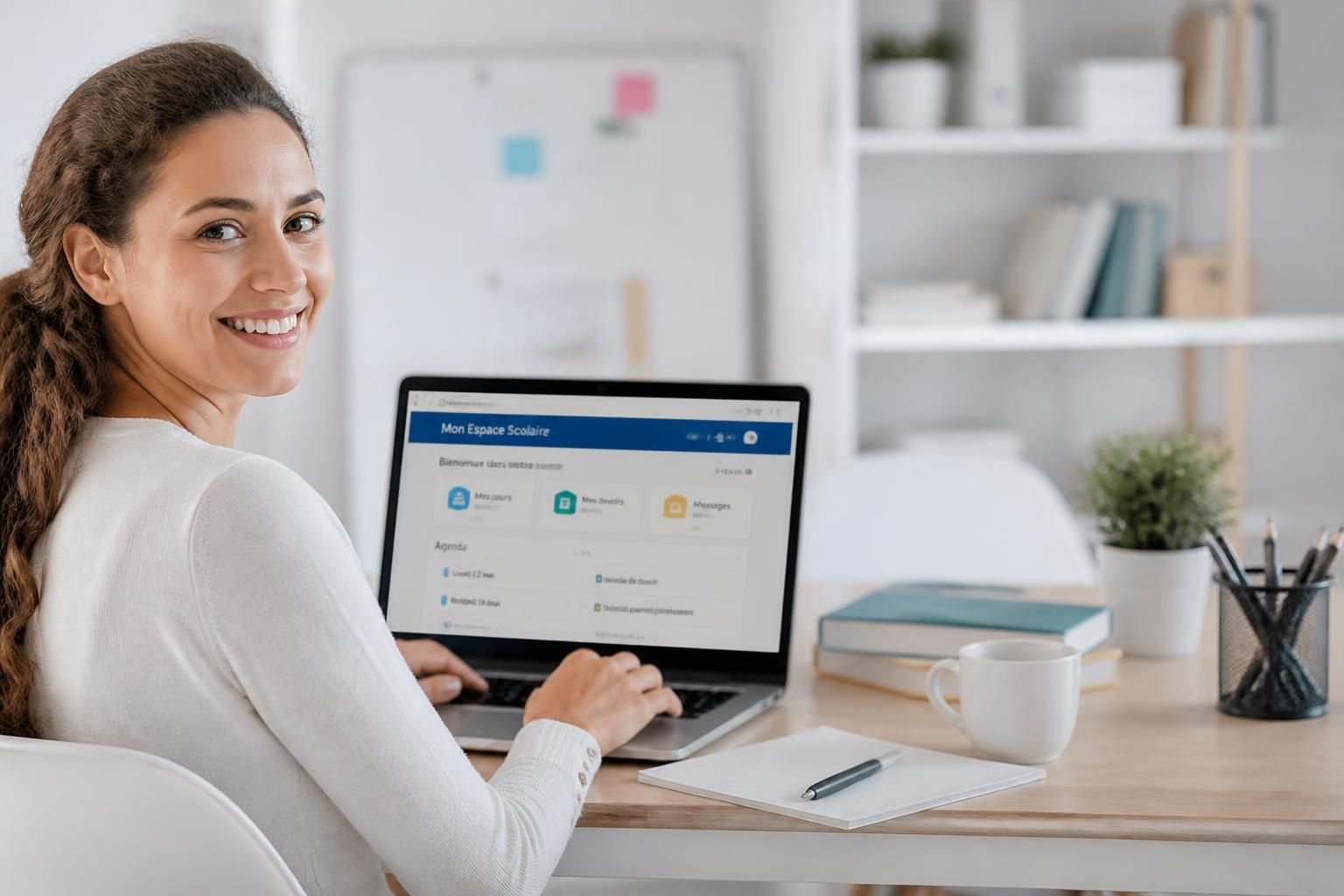
Navigating daily school life can sometimes feel like finding your way through a maze of information. Fortunately, the Scolinfo platform offers a breath of fresh air to parents and students, providing clear and centralized access to online school services. Whether it’s to consult a report card, follow the timetable, or manage school enrollment, Scolinfo allows for a simple and efficient oversight of the educational journey. In 2026, this solution, increasingly adopted by private and Catholic schools, simplifies life by connecting families and institutions. This fluidity in accessing school information gives real support for daily monitoring, like a small beacon amid the school bustle.
The article in brief
Scolinfo has become a valuable ally for families seeking easy and fast access to their online school services, centralizing all essential data for school life.
- A recognized school life portal: Scolinfo, leader in private and Catholic schools in France and abroad.
- Simple and secure connection: Access via credentials provided by the school, with a convenient mobile feature.
- Comprehensive online services: Consultation of grades, homework diary, timetable, absences, and billing.
- Integration with Charlemagne: School data updated in real-time thanks to the Aplon management system.
Scolinfo concretely transforms school monitoring into a controlled and peaceful moment for the whole family.
Scolinfo official site: an interface designed for parents and students
At a time when family life demands flexibility and organization, Scolinfo asserts itself as a true facilitator. This web platform, published by Aplon, offers a unique access point so that parents and students can keep control over school monitoring. Widely used in private and Catholic institutions, it adapts to mainland France, overseas territories, and French schools abroad. Simplicity remains its watchword: a username and password, given by the school at the beginning of the year, open the door to a wealth of information.
Logging into Scolinfo, an approach within everyone’s reach
To get straight to the point, nothing is simpler than logging in at scolinfo.net. The homepage offers a clear “Log in” button. After entering the credentials provided by the school, the parent or student accesses their personalized space directly. There, report cards, timetable, homework diary, and absences are available in a smooth consultation.
It is essential to emphasize that these credentials remain under the responsibility of the school. In case of loss or difficulty, a call to the administration office or school life department is the best option to restore access. This local account management ensures secure and personalized monitoring.
Key services available on the Scolinfo platform
Beyond a simple information space, Scolinfo combines several features that support complete and transparent school monitoring:
- Consultation of grades and report cards: evaluation results and report cards can be downloaded directly, often in PDF format.
- Homework diary: content of lessons, homework, and deadlines is accessible with one click, thus avoiding oversights.
- Detailed timetable: schedules, room changes, and cancellations are displayed to avoid surprises.
- Management of absences and tardiness: complete tracking with the possibility to justify online if the module is enabled.
- School life and communication: remarks, sanctions, messages from teachers and administration facilitate the school-family link.
- Billing: depending on the institutions, management of tuition fees, canteen, and activities is also included.
Each school chooses which modules it activates, giving each user a tailored access. This modularity is a strength that personalizes the experience according to local needs.
Behind the scenes of the tool: the symbiosis with Charlemagne
Behind Scolinfo, the Charlemagne software handles the entry and administrative management of grades, absences, and other data. This complementarity with the web portal allows automatic updating of the information visible to families.
Concretely, the teachers and administration record their work in Charlemagne, and Scolinfo takes care of broadcasting this data online. A time saver for all and improved reliability.
For potential errors (incorrect grades, poorly reported absence), the process remains simple: one must contact the institution which will correct directly in Charlemagne so that the changes then appear on Scolinfo.
| Functionality | Description | Concerned party |
|---|---|---|
| Report card consultation | Access and download of grades and quarterly averages | Parents, students |
| Homework diary | Viewing course content and assignments to be submitted | Parents, students |
| Timetable | Real-time display of schedules and modifications | Parents, students |
| Absences and tardiness | Monitoring, online justification if enabled by the school | Parents, students |
| Communication | Messages between families and school | Parents, students, institution |
| Billing | Management of fees such as canteen or activities | Parents |
The Scolinfo mobile application for flexible monitoring on the go
In the hectic pace of family life, being able to check school monitoring everywhere is a real breath of fresh air. Available on iOS and Android, the Scolinfo app faithfully reproduces all the features of the official site. With intelligent notifications, each new item — new grade, received message, reported absence — immediately alerts parents and students.
This mobile version has often changed the game for families on the move or multitasking, offering quick and secure access, all in a user-friendly and intuitive interface.
Practical tips for using Scolinfo well
- Keep your credentials carefully given at the start of the school year.
- Provide a valid email address in your profile to ease password resets.
- Keep a regular eye on the homework diary to avoid missing assignments.
- Contact the institution directly for any grade correction or connection issues.
- Install the mobile application to receive notifications and monitor schooling on the go.
What exactly is Scolinfo?
Scolinfo is an online school life platform published by Aplon, mainly used in private and Catholic schools, which centralizes school information accessible to parents and students.
How do I log in to my Scolinfo account?
Simply go to scolinfo.net, click on “Log in” and enter the credentials provided by the institution at the start of the school year.
What to do in case of a forgotten password?
If the option is enabled, the reset is done via the “Forgot password?” button. Otherwise, you need to contact the secretariat or the school life department of the school.
How to correct an error in grades or absences?
All corrections must be reported directly to the institution. They will adjust the data in the Charlemagne software, which will automatically be reflected on Scolinfo.
What is the difference between Scolinfo and Charlemagne?
Charlemagne is an internal administrative and financial management software for schools, whereas Scolinfo is the web portal that allows families and students to consult information extracted from Charlemagne.


