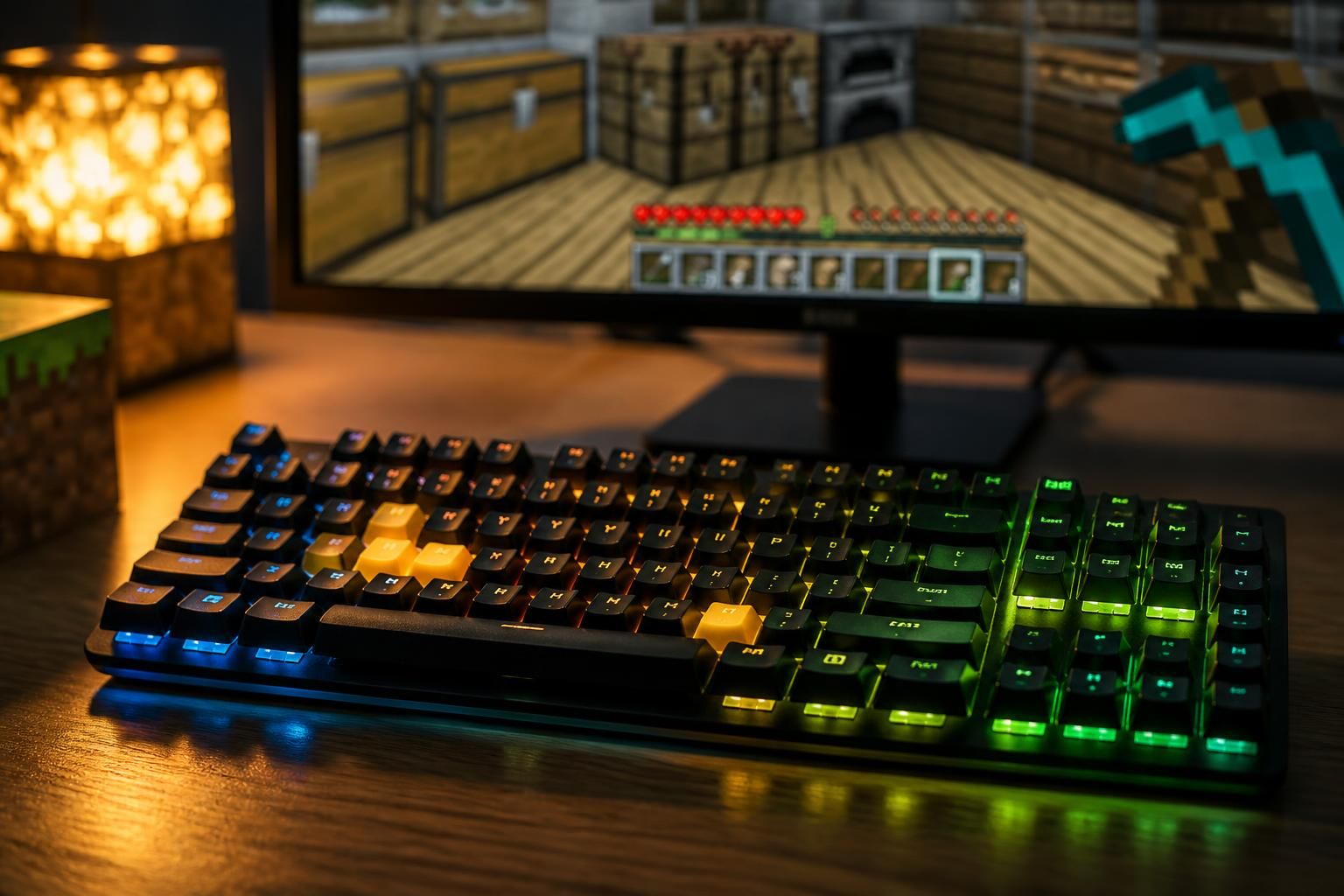
On Minecraft, a few well-chosen keys change everything: survival becomes smoother, movements gain precision, and actions flow without breaking the rhythm. Whether on Minecraft Java or Minecraft Bedrock, knowing the right keyboard shortcuts helps better manage exploration, combat, and inventory, with a real feeling of fast navigation. And let’s be honest with each other: when a zombie arrives too fast, you’re glad not to be randomly searching for the right button.
The article in brief
Here is the essential information to gain comfort and in-game efficiency on both editions. A few well-mastered keyboard commands are often enough to turn a somewhat messy game into a much more enjoyable session.
- Smoother movements: move forward, run, jump, and sneak without hesitation
- Controlled inventory: open, sort, and use items faster
- Combat and interactions: attack, place, and use blocks at the right time
- Simplified multiplayer: chat, spot players, and act without slowing down the pace
Good key awareness is often enough to make each session smoother, faster, and much more pleasant.
In Minecraft, the difference between a calm game and a little joyful chaos often lies in a set of automatic gestures. A shortcut key to open the inventory, another to sprint, a well-placed click to place a block, and everything fits together. From there, the Minecraft controls cease to be a technical detail and become a real comfort lever, whether you play to build a peaceful house or to rush at full speed into a somewhat ambitious cave.
This guide gathers the basics useful to keyboard-mouse players, keeping in mind that most commands are also found in Minecraft Bedrock, unless otherwise noted. The idea is not to memorize a cold list but to install good reflexes to react better in the heat of action. And between two wood harvests and three escapes at the edge of a ravine, the brain really appreciates having the right automatisms handy.
Essential Minecraft keyboard shortcuts for movement
The first keys to tame are often the movement ones. In Minecraft Java, as in most PC games, W, A, S, and D are used to move forward, go left, backward, or right, while the mouse allows you to look around. In practice, this requires a bit of coordination at first, then becomes very instinctive. A player learning to gently turn the camera and move forward without panicking already avoids a good part of silly falls, those that make others laugh… much less when retrieving their resources.
To move faster, the Control key lets you run, while Shift is used to sneak. The latter remains precious at the edge of a cliff, on a narrow bridge, or when the void looks frankly unfriendly. In Creative mode, jumping also turns into flying if you press the space bar twice. This is the kind of detail that changes everything when you need to quickly cross a base or inspect a construction site.
Keyboard commands to move without losing the thread
The simplest thing is to associate each action with a concrete situation. Space to jump, Control to speed up, Shift to slow down and secure a passage: this trio quickly becomes a useful reflex in a mine, forest, or desert. When the camera and keyboard finally synchronize, the feeling of mastery almost comes at once. It’s often at this precise moment that the game stops being a series of groping attempts.
In more intense sessions, these reflexes are even more visible. A escape through a cave, climbing a relief, a narrow passage over water: so many small scenes where precision counts more than raw speed. The most useful Minecraft tips are sometimes the simplest, and this one clearly belongs to them.
Open the inventory and manage items faster in Minecraft
The heart of organization lies in the inventory. On keyboard, E opens the item window, while Escape allows access to the main menu. This duo seems trivial, but it prevents losing the thread when slots fill up and resources accumulate faster than expected. For a player mining for ten minutes, then realizing they are already carrying an unlikely collection of stones, the shortcut quickly becomes indispensable.
The Q key is used to drop an item held in hand. It is better used cautiously, especially in the heat of combat, as losing your weapon at the wrong moment is not strategic. To quickly select a tool or block in the bottom bar, the mouse wheel and keys 1 to 9 offer real flexibility. You gain fluidity, and above all calm, which is not a luxury when the action speeds up.
Useful keys to organize your inventory
In a well-run game, every second saved counts. Opening the inventory with E, repositioning a tool with the number keys, then closing everything without losing the rhythm creates a very pleasant sense of fluidity. This is especially true when you have to chain harvesting, crafting, and movement without spending an eternity rummaging through your virtual pockets.
| Action | Main key | Concrete use |
|---|---|---|
| Open inventory | E | Quickly access items and crafting |
| Open menu | Escape | Pause the game or adjust settings |
| Drop an item | Q | Free a slot or transfer an item |
| Change slot | 1 to 9 / wheel | Quickly switch from one tool to another |
This table summarizes what often saves the most time daily. Well used, it helps avoid unnecessary manipulations and significantly improves in-game efficiency. A little memorization effort, and comfort almost immediately follows.
Minecraft keyboard shortcuts for combat and interaction
When you need to break, hit, or place a block, the difference between left click and right click becomes essential. The left button is generally used to attack or mine, while the right button allows placing a block or using an object like a chest, a button, or a crafting table. This simple logic forms the basis of keyboard and mouse commands, and works like a universal reflex in Minecraft gameplay.
To interact with the world without wasting time, it’s also better to know the gestures associated with placing and picking up items. In multiplayer, opening the chat with T and viewing the player list with Tab facilitates coordination. In moments when everything escalates, these keys prevent randomly juggling between exploration, combat, and discussion.
Gestures to remember to avoid mistakes at the wrong moment
- Left click: mine, hit, and break blocks faster
- Right click: place a block or use a decorative object
- T: open chat and write to other players
- Tab: view the list of participants on the server
These markers seem obvious once learned, but they really change the quality of a session. You go from hesitant handling to a clearer, almost natural action. And in Minecraft, this ease often makes the difference between improvising and progressing calmly.
Customize your Minecraft controls according to your play style
Good news: default keys are not mandatory. The options menu allows modifying settings to adapt Minecraft controls to your way of playing, then to revert to original settings if needed. This is especially useful for players who switch between Minecraft Java and Minecraft Bedrock, or for those who want to bring certain actions closer to more instinctive gestures.
This flexibility is precious daily. A player who prefers very mobile hands might choose keys closer to each other, while another will keep the classic configuration to avoid losing their landmarks. Deep down, the best setting is the one that disappears behind habit. When the brain no longer has to think about each press, everything becomes simpler.
For families or players sharing the same computer, resetting commands can also save an evening. Nothing dramatic, just the little moment when you realize someone transformed ergonomics into a headache, which happens more often than admitted. Regaining control of your settings means finding a real fast navigation and comfort that follows the game’s rhythm.
What are the most useful keyboard shortcuts in Minecraft?
The most important are often W, A, S, D to move, E for inventory, Escape for the menu, Q to drop an item, and keys 1 to 9 to quickly switch tools.
Are the commands identical in Minecraft Java and Minecraft Bedrock?
The basics remain very close between the two editions, especially for moving, opening inventory, and interacting. Some keys may vary depending on the platform or settings.
Can Minecraft controls be changed?
Yes, the options menu allows customizing keys according to the player’s preferences. It is also possible to reset to default settings if needed.
How to talk to other players in multiplayer?
On keyboard, the T key opens the chat window. The Tab key is used to display the list of players present on the server.